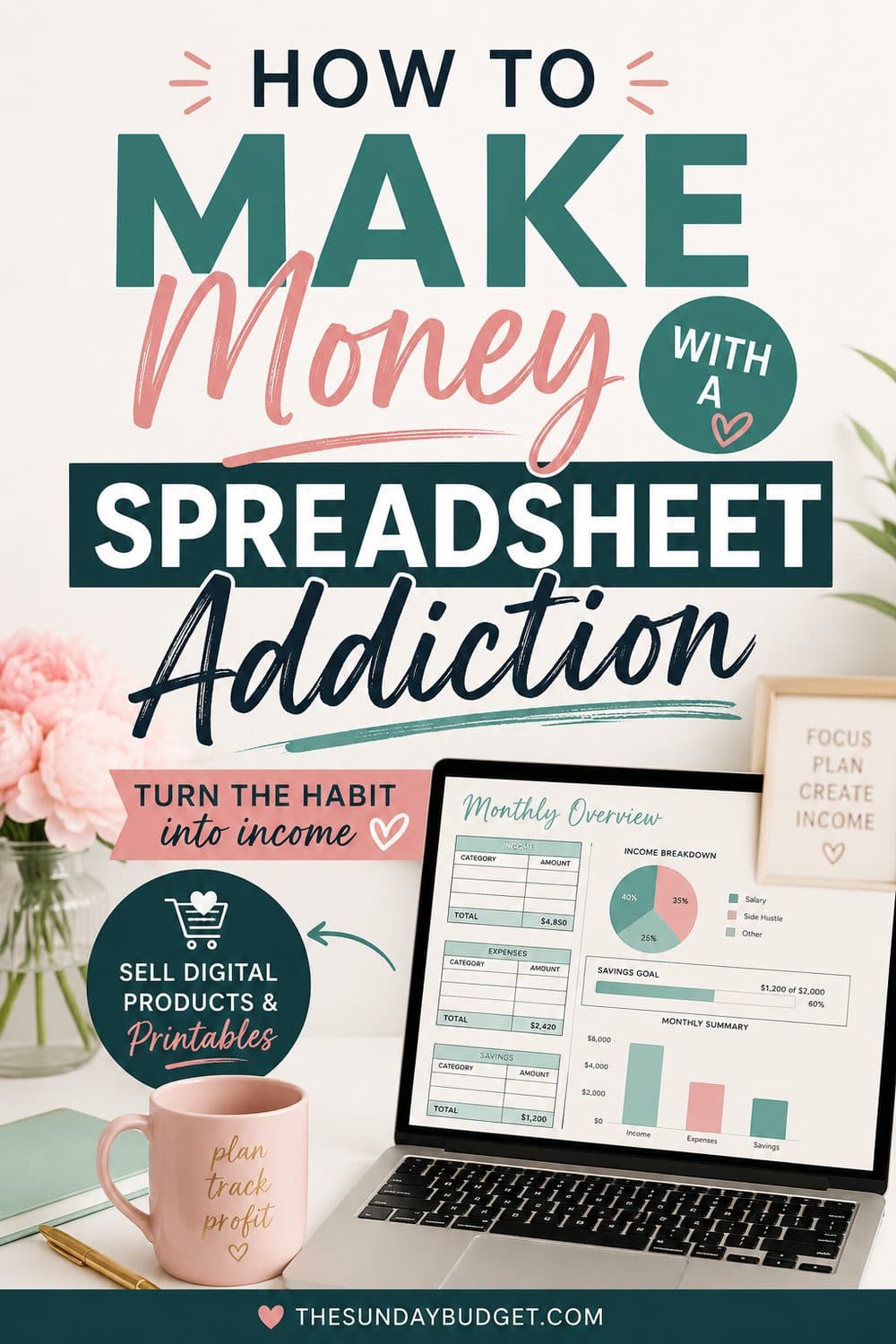
How to Make Money With a Spreadsheet Addiction
By Nora Bennett · July 26, 2026

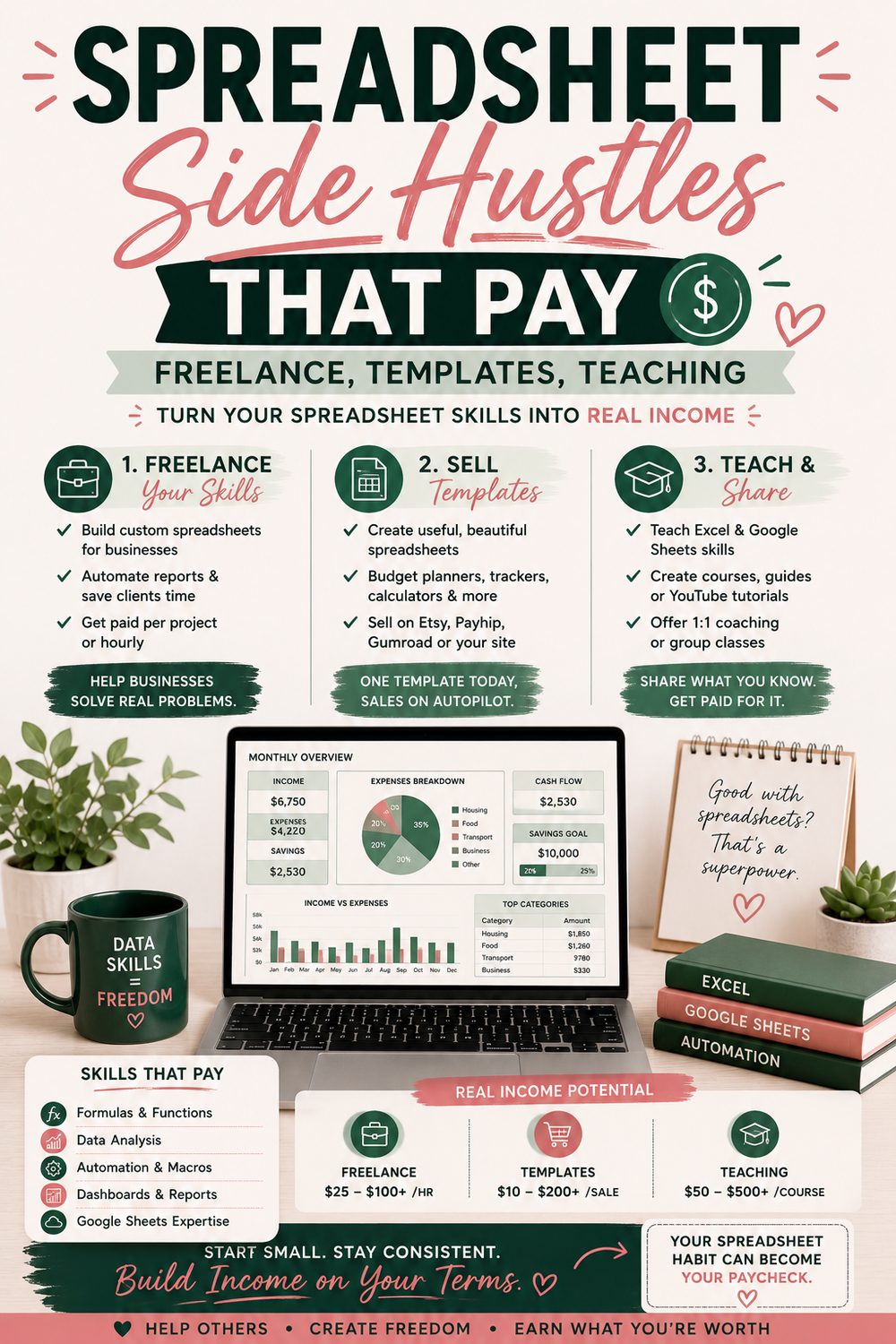
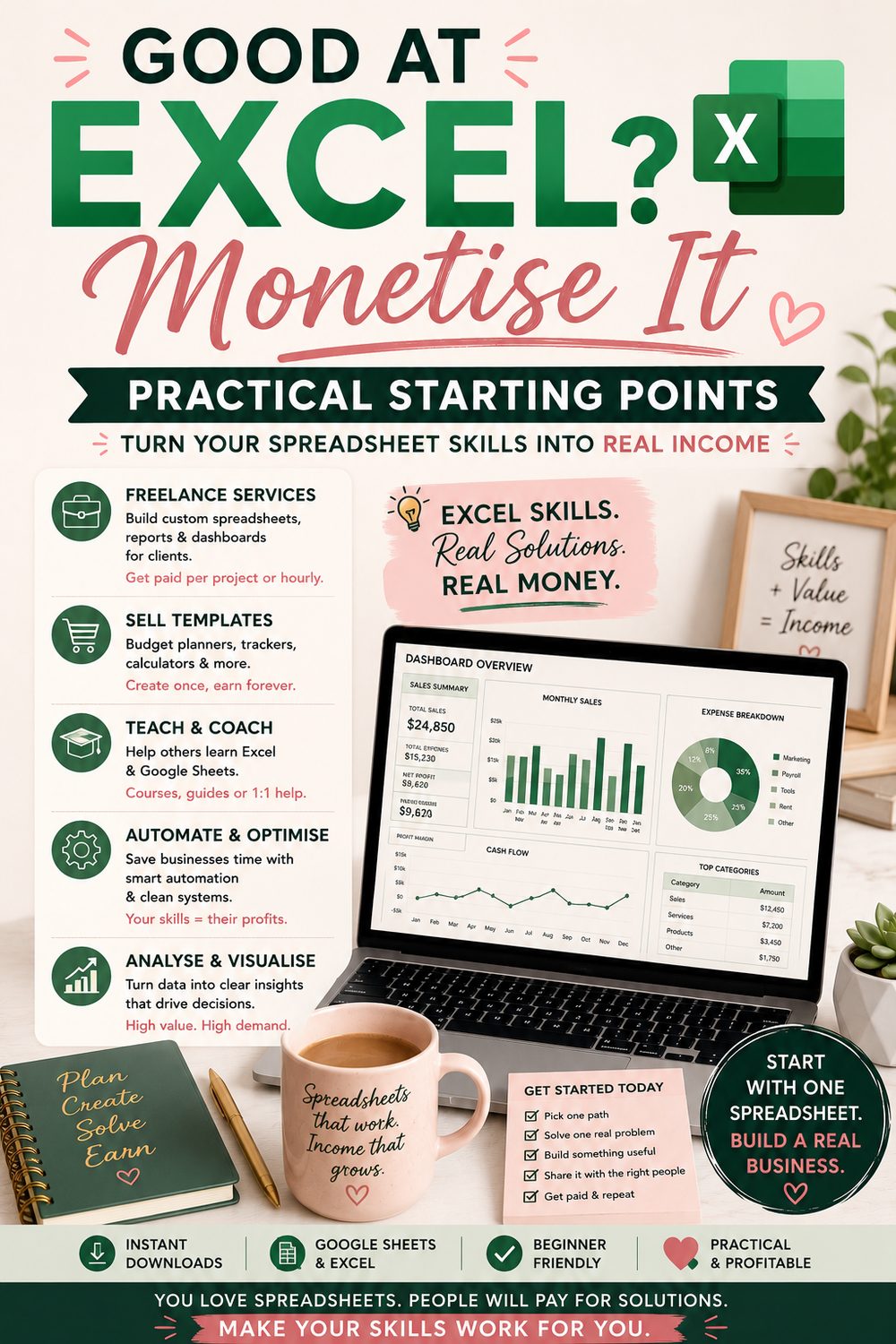
Some people relax with video games. Some of us open a blank workbook and build a tracker for something nobody asked us to track, and feel great about it. If that's you, I have good news from the other side: the world quietly runs on spreadsheets, most people are scared of them, and that gap is a market. This site exists because I fixed my own money with a homemade spreadsheet and kept building, so this is the from-experience guide to how to sell Excel templates online and otherwise convert a spreadsheet addiction into actual income. Five lanes, honest numbers, and the craft rules that separate sellable templates from clever ones.
Why this skill is worth money (the market logic)
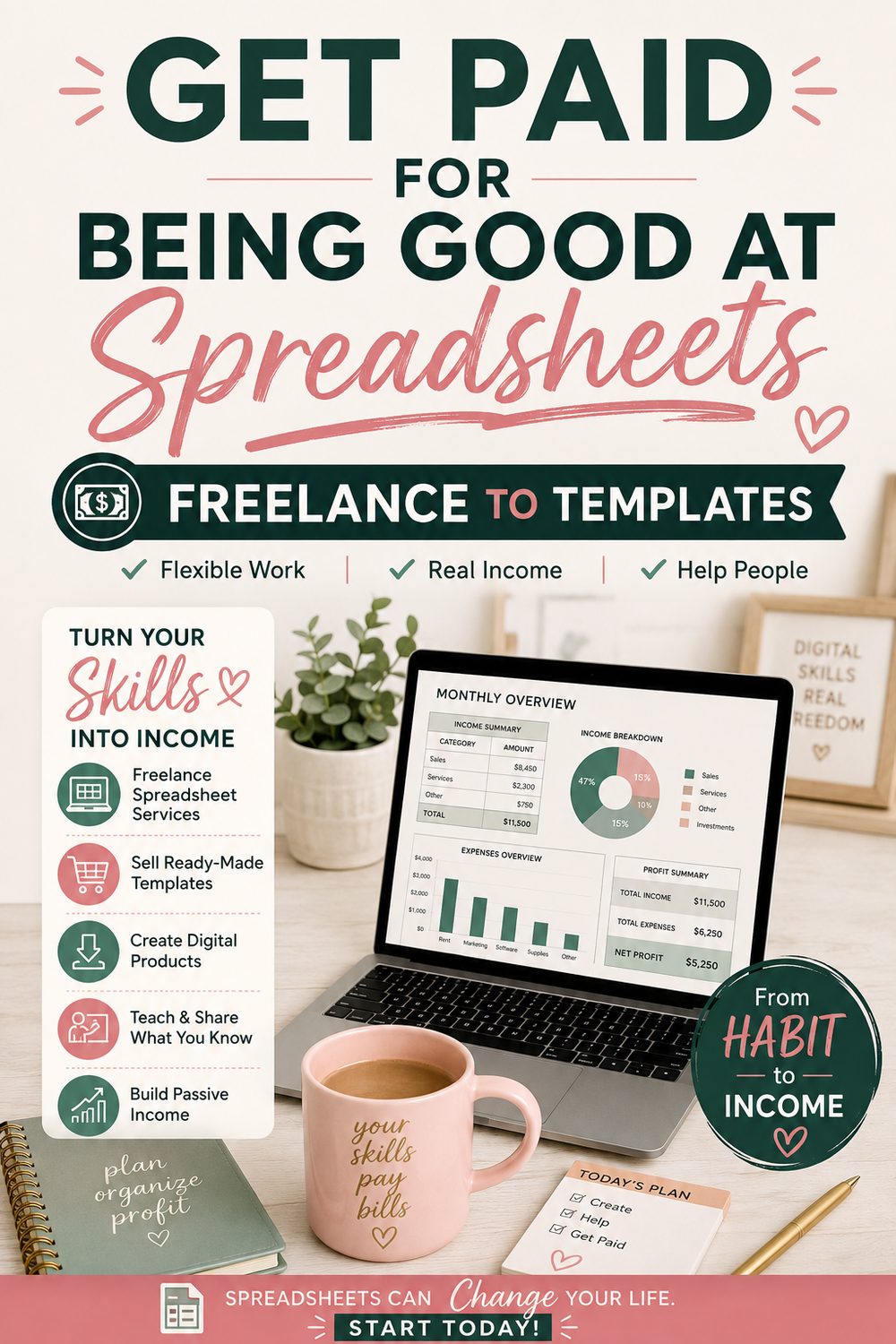
Every small business, side hustler, and organized-life aspirant has the same problem: they need structured tracking, money, inventory, clients, schedules, and the software either doesn't fit, costs a subscription, or terrifies them. You, the person who enjoys nested formulas, sit on the supply side of a demand pool that includes roughly everyone. The monetizable spectrum runs from products (build once, sell forever) to services (build custom, charge well), and the smart play usually stacks one of each.
Lane 1: Sell templates on marketplaces ($5–25/sale, compounds slowly)
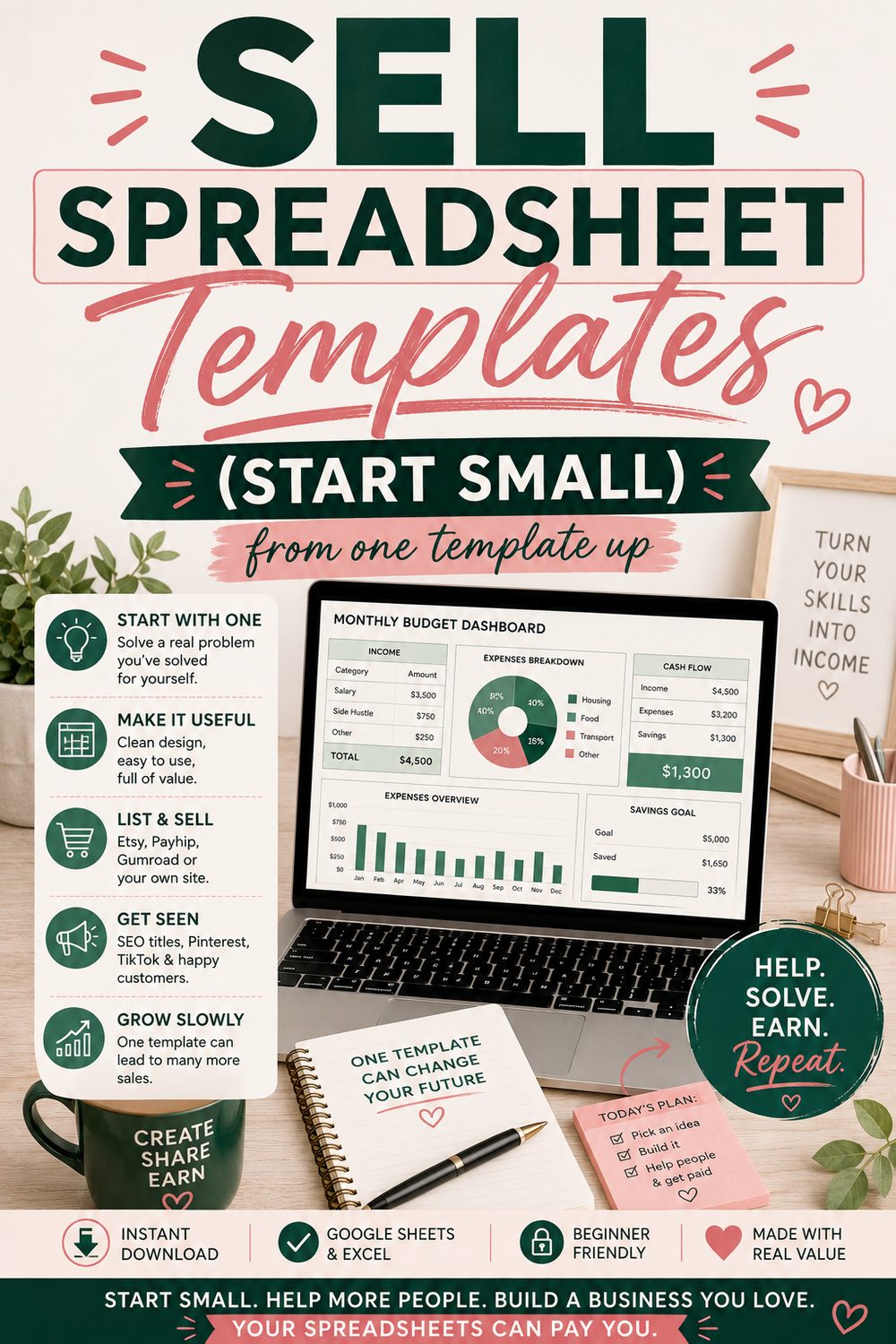
The printables path, spreadsheet edition, and notably, spreadsheet templates price higher than paper printables ($7–25 vs $3–7) because they do something: budget spreadsheets (obviously), small-business bookkeeping, inventory trackers, wedding budgets, meal planners with auto grocery lists, habit dashboards. Sell on Etsy, Gumroad, or template marketplaces; deliver as Google Sheets share-links and Excel files (both, buyers split).
What sells is what solved a real problem, usually yours. The template you built to track your debt payoff or plan biweekly paychecks has a thousand twins-in-need searching for it right now. Same honest timeline as all catalog businesses: months of quiet, then compounding with catalog size and reviews.
Lane 2: Custom builds for small businesses ($30–75/hour, fastest real money)
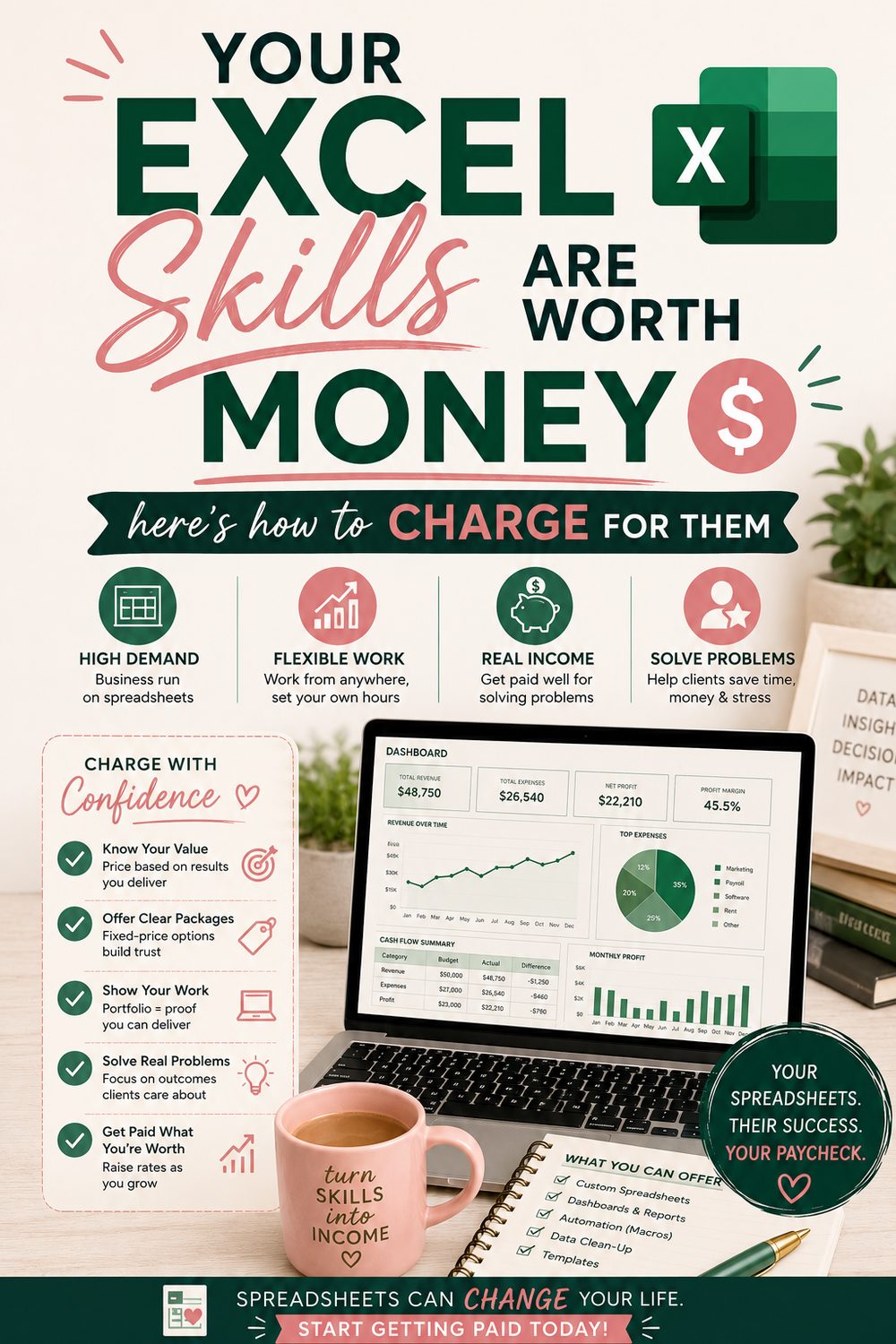
The freelance lane: job boards and marketplaces overflow with "need Excel help" posts, dashboards, quote calculators, messy-data cleanup, reports that currently eat the owner's Sunday. Someone who can turn "I track jobs in seven files and hate my life" into one clean workbook with dropdowns and a summary tab is worth every dollar of $50/hour to a contractor who bills $120.
Start on a freelance marketplace with a profile that shows two portfolio pieces (build demo versions of real solutions: a job tracker, a mini P&L), price modestly for the first three reviews, then climb. The repeat-client effect is strong: businesses that get one good workbook come back with five more ideas.
Lane 3: Fix-and-teach sessions ($40–100/hour, weirdly underserved)
Not building, rescuing. "My spreadsheet broke," "the formula returns #REF!," "teach me pivot tables so I stop asking my nephew." One-hour screen-share sessions solve enormous stress for people, and the supply of patient humans who can explain VLOOKUP without sighing is genuinely tiny. Tutoring platforms, small-business groups, and word of mouth fill a calendar faster than you'd expect, and it pairs perfectly with Lane 2 (rescue sessions become build clients).
Lane 4: Spreadsheet-flavored VA work ($20–40/hour, steadiest)
Standard virtual assistance pays $18–35/hour; VA work plus real spreadsheet chops (reporting, data cleanup, dashboard upkeep) sits at the top of that range and gets retained monthly. It's the least glamorous lane and the most predictable: a couple of retainer clients is a quiet few hundred a month, indefinitely.
Lane 5: Content about spreadsheets (slow, compounds, optional)
Tutorials, template roundups, "watch me build" videos and posts. It's the longest game on the list and mostly earns indirectly: an audience that trusts your spreadsheets buys your templates and books your sessions. (You are, at this moment, inside this lane: this entire site is the content arm of a spreadsheet habit.) Enter it only if you'd make the content anyway; enthusiasm is unfakeable at spreadsheet-tutorial length.
The craft: what makes a template sellable (planner-trenches edition)
Building a 14-tab planner people actually use taught the difference between a clever spreadsheet and a sellable one: the gap is entirely in the details buyers feel and builders forget:
- It survives strangers. Lock the formula cells, leave inputs open and obviously colored, and validate the dropdowns: the buyer will type "idk" into a number field, and your template has to shrug it off with an
IFERRORinstead of a wall of #DIV/0!. - Instructions live inside. A how-to tab, notes on the tricky cells, and a worked demo they can delete. If it needs a manual, the manual is part of the product.
- Empty states look fine. The dashboard shouldn't scream errors before they've entered week one: a template's first impression is what it looks like blank.
- Pretty is a feature. Consistent colors, no gridline chaos, one glance = one understanding. Buyers screenshot-shop; the aesthetic is the mockup.
- Compatibility is a promise. If it says Google Sheets and Excel, every formula works in both, no XLOOKUP surprises for the Sheets crowd, no broken conditional formats on import. Test the actual crossing.
That checklist is also your Lane 2 differentiator: freelance clients can't articulate why one workbook feels trustworthy and another feels like a trap, but they pay accordingly.
The practical start (one weekend, one stack)
Saturday: pick your best existing spreadsheet, the one you built for yourself and actually use, and productize it with the five craft rules: protection, instructions tab, demo data, cleanup, both-platform test. Sunday: list it (Etsy or Gumroad), make two Pinterest-ready mockups, and open one freelance-marketplace profile with it as portfolio piece #1. One asset, two lanes, zero dollars spent.
Then the standing rhythm: one new template or one client gig per month, 25% of every payout to the taxes sinking fund, income logged in the planner, and the earnings assigned jobs like any other dollars, the spreadsheet income obeys the spreadsheet, which is only fitting.
Frequently asked questions
How good do I actually need to be? Lanes 2–4: if SUMIFS, dropdown validation, and conditional formatting are comfortable, you're already above the waterline. Most paying problems are organizational, not technical. Lane 1 rewards polish more than wizardry. Nobody is asking for VBA on day one.
Excel or Google Sheets skills, which sells better? Both, and the overlap is the product: businesses skew Excel, individuals and collaborators skew Sheets, and templates sell best offered as both. Building compatibility-first (no platform-exclusive formulas) makes one build serve both markets.
Won't AI make this obsolete? AI generates formulas; it doesn't sit with a stressed contractor, understand the actual workflow, and deliver a workbook their crew will genuinely use: the value was never the formula, it's the fit. Meanwhile, AI makes your builds faster. Tools that speed up craftspeople have historically paid craftspeople.
What should I charge starting out? Templates: $7–15 singles, $19–29 bundles. Freelance: start ~$30/hour for the review-building phase, raise 20–30% every few completed jobs. Sessions: $40–60/hour from day one, rescue work is urgent, and urgency prices differently.
The addiction, employed
You were going to build the spreadsheet anyway. That's what makes it an addiction. The only change is pointing it outward: one polished template, one open profile, one month at a time. The world runs on spreadsheets and is frightened of them; you are the rare person who runs toward them. That's not a quirk. That's a margin.

Written by
I fixed my own money with a spreadsheet and a Sunday morning, and now I build the tools I wish I’d had. I manage a dental practice in Greensboro, North Carolina, and I have never once told anyone their problem was the coffee.