How to Sell Printables on Etsy in 2026 (Beginner's Guide)
By Nora Bennett · July 28, 2026
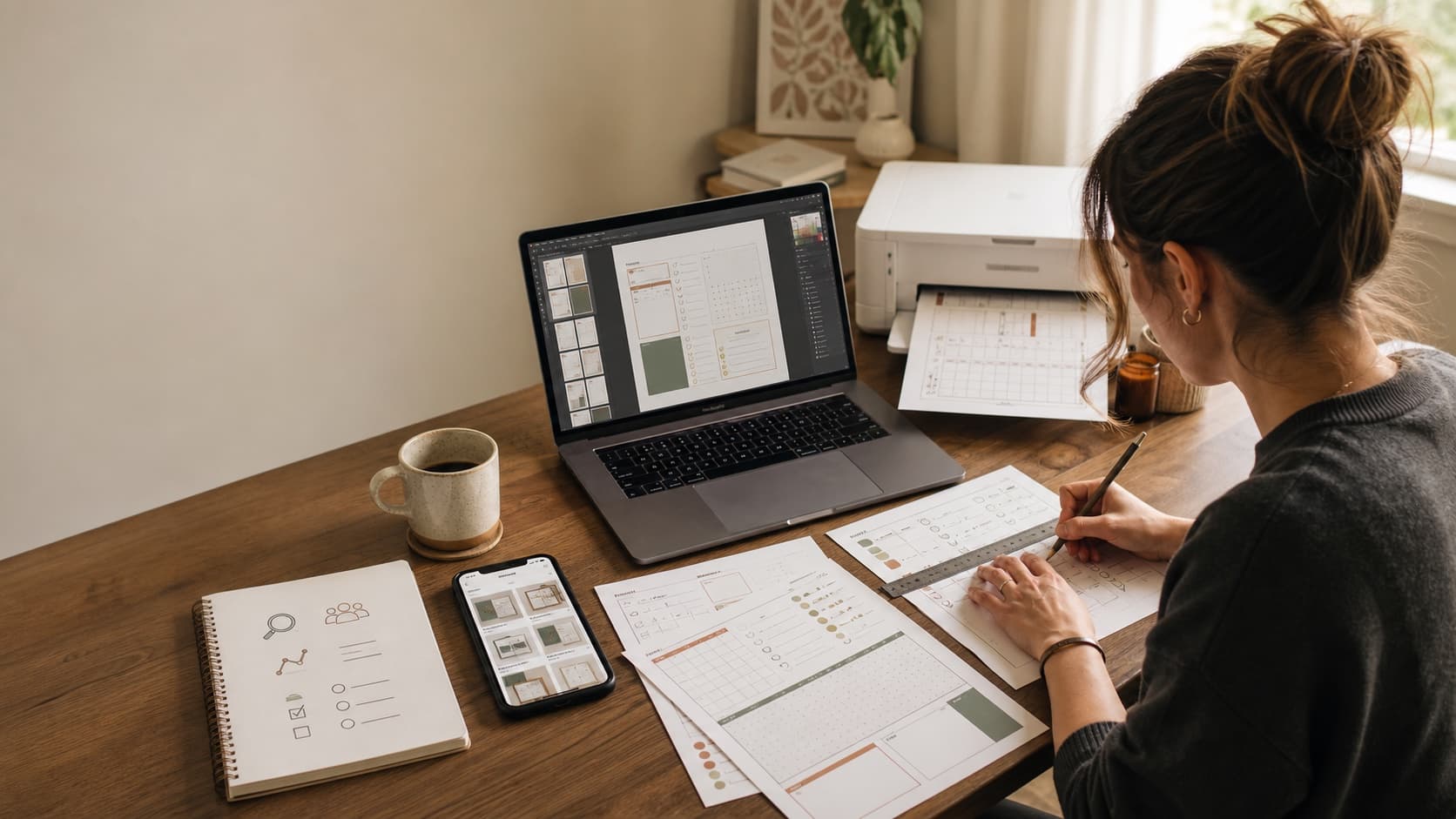
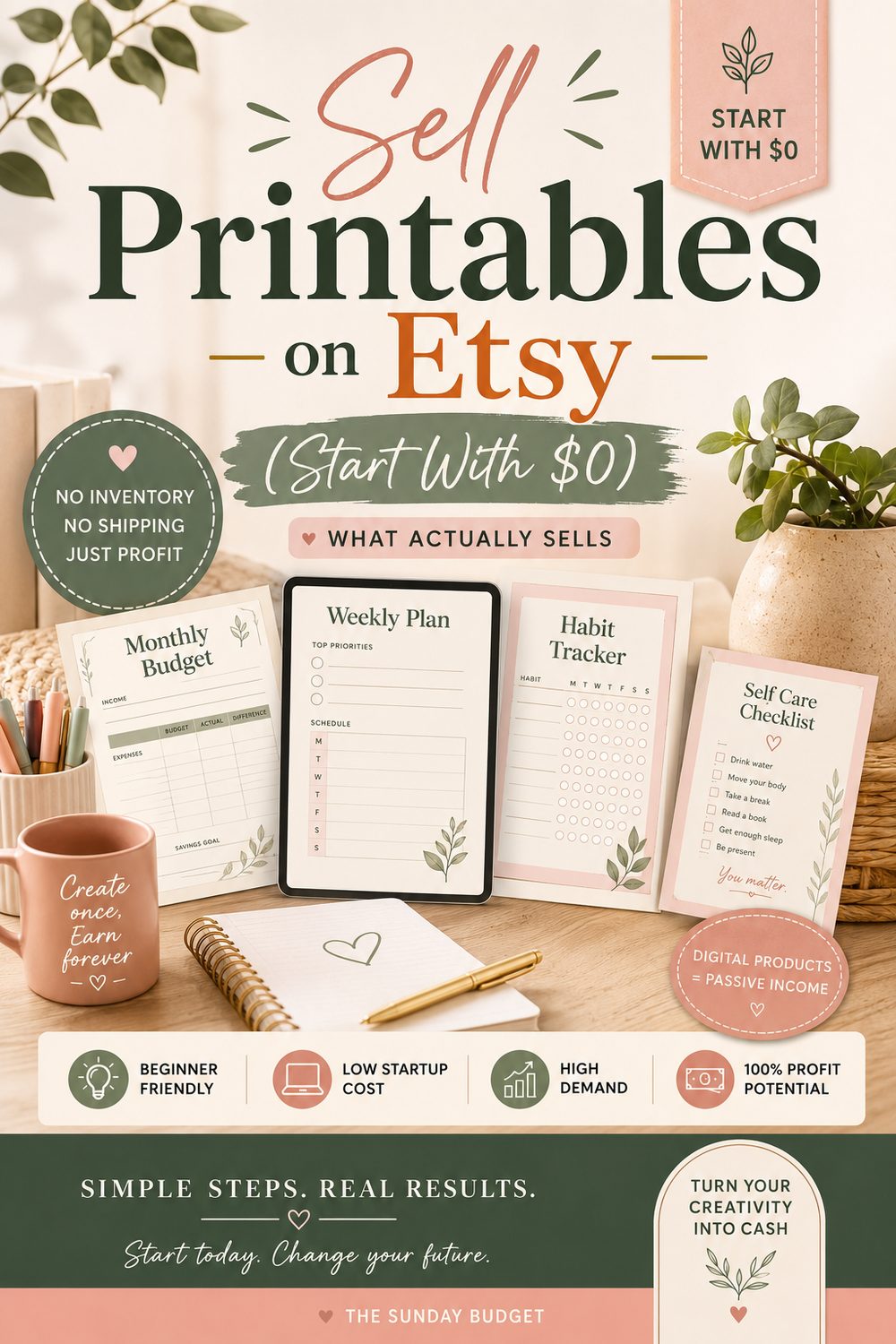
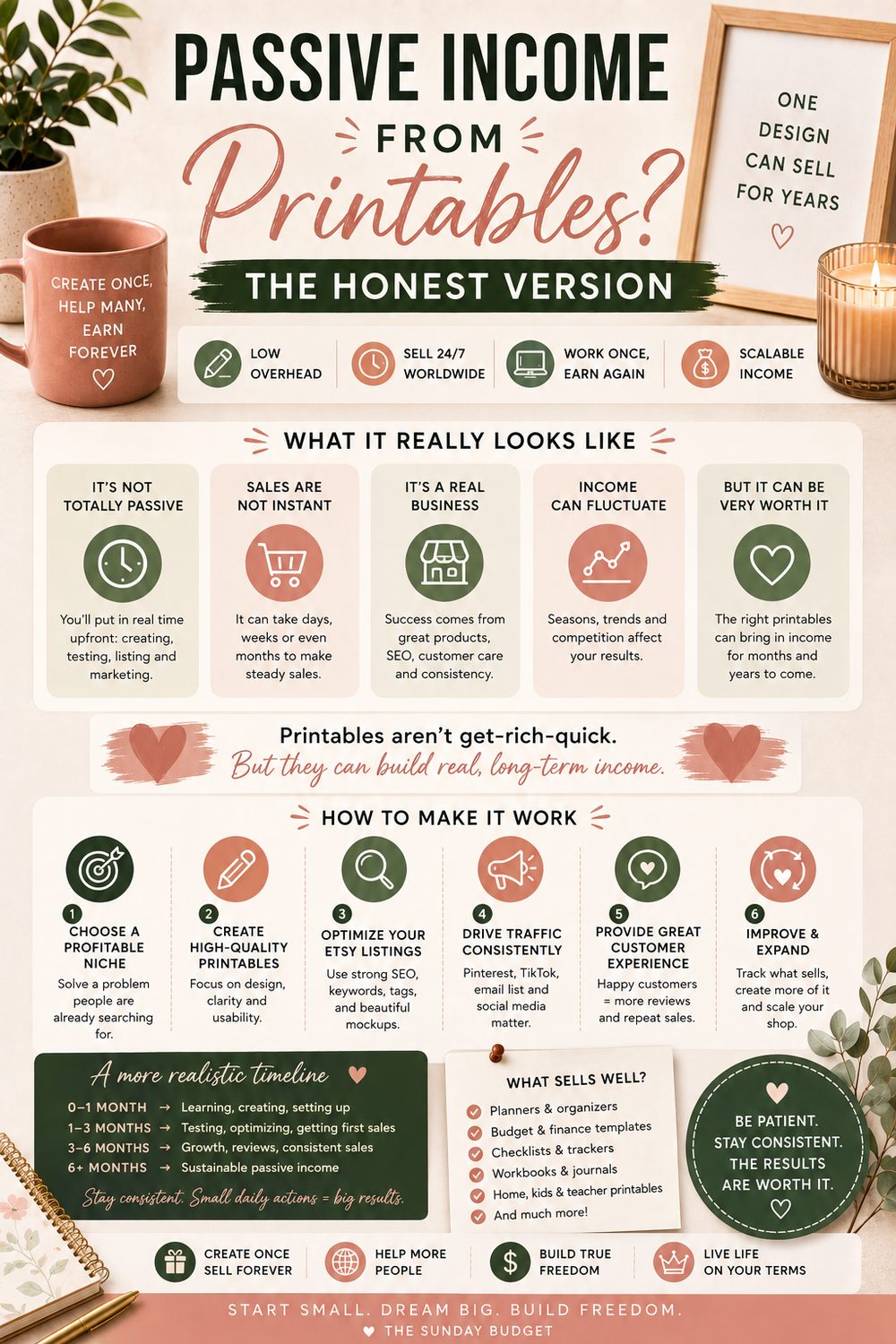
Selling printables on Etsy has one genuine advantage over many side hustles: you can test a product without ordering inventory, packing boxes or renting space. That makes the first experiment inexpensive. It does not make the business passive, instant or guaranteed.
The work moves somewhere else. Instead of shipping, you research problems, design files, test printers, create listing images, answer download questions, study search terms, improve products and keep careful records of fees. A PDF can sell more than once. Your reputation has to be earned every time.
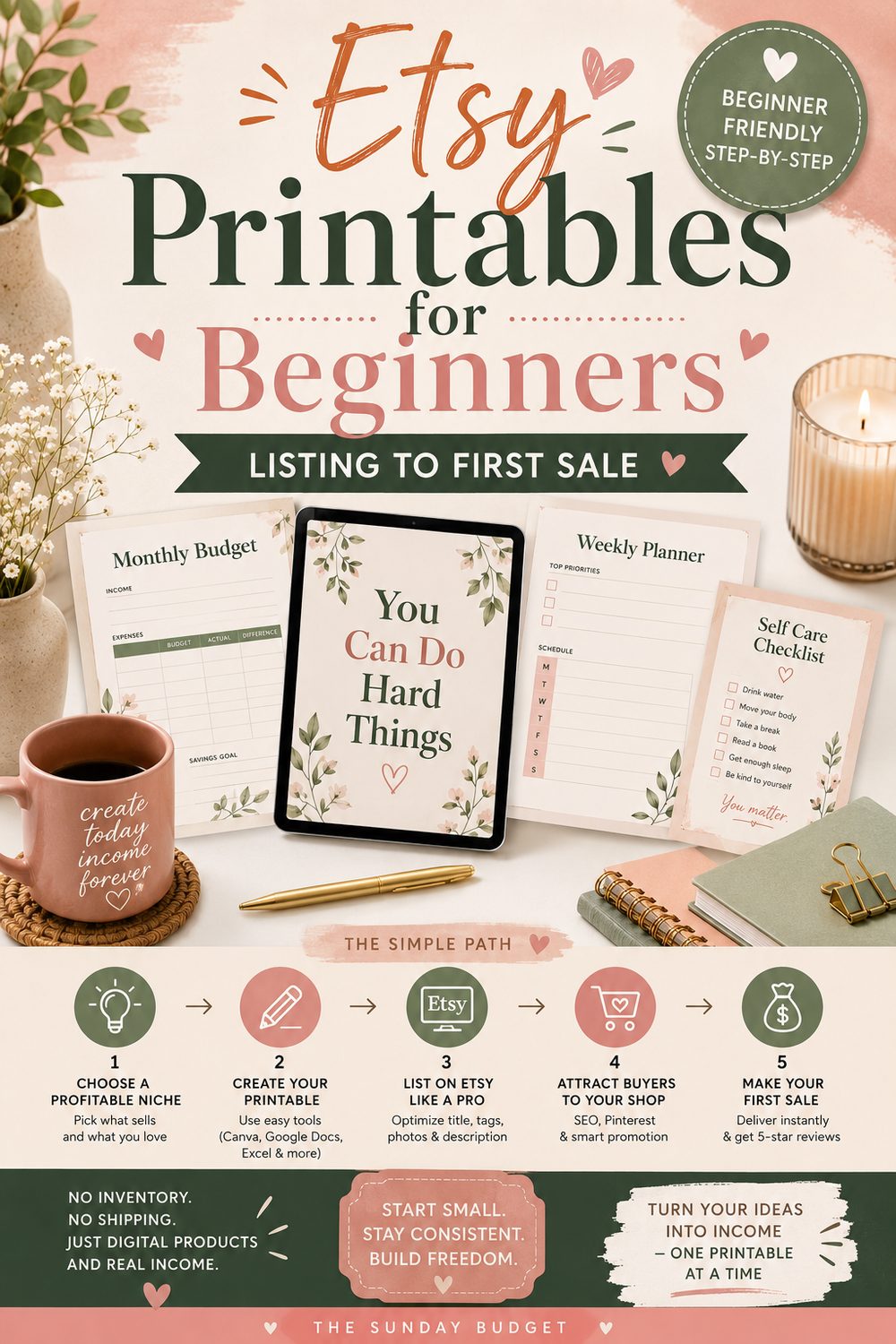
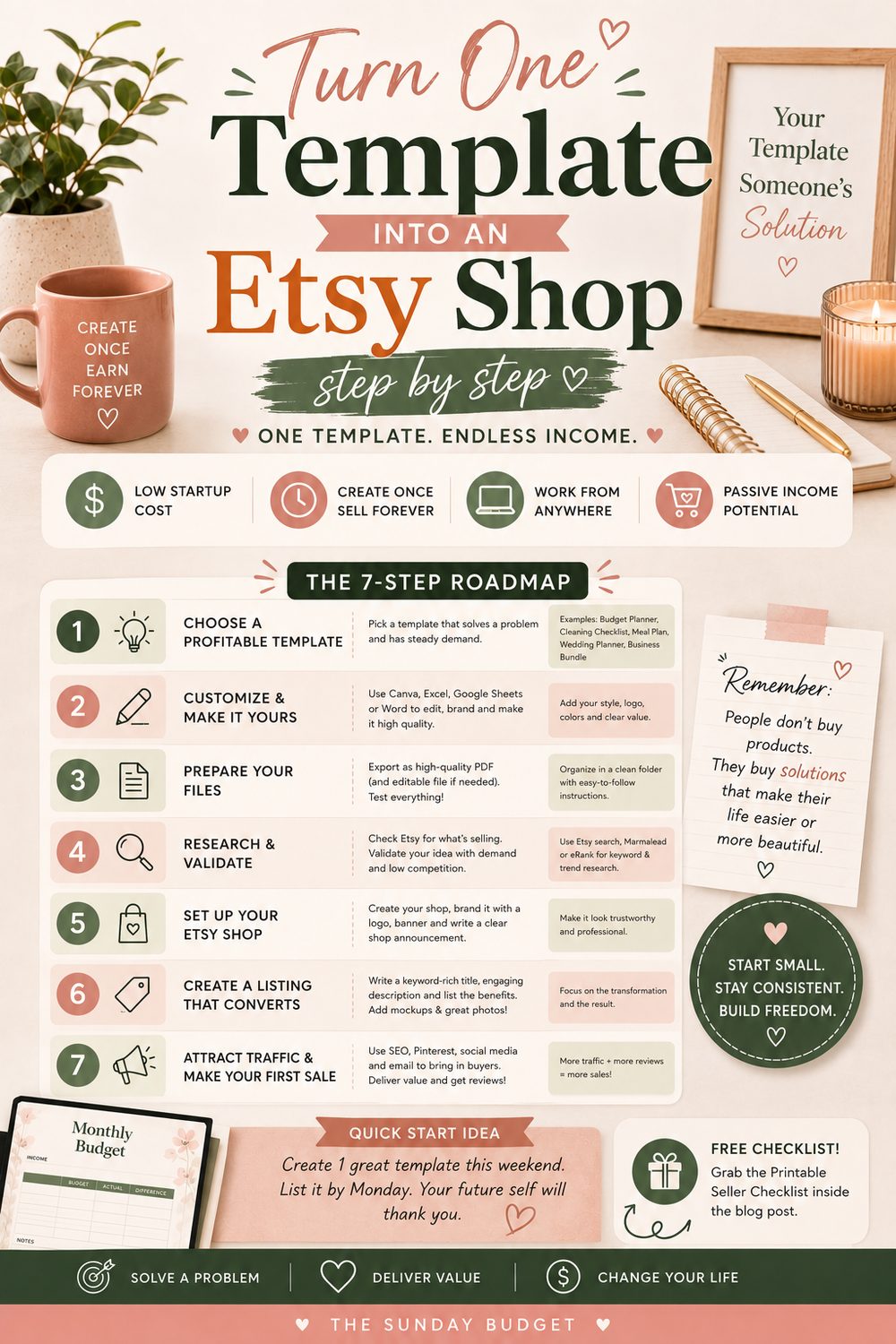
This guide walks through the entire process as it works in 2026: choosing a niche, validating an idea without copying, building a useful file, complying with Etsy and design-tool rules, pricing for actual profit, publishing a clear listing and deciding what to improve after launch.
First, understand the business model
A printable is a digital file the buyer downloads and prints, writes on or uses electronically. Common formats include PDF, JPG, PNG, spreadsheet files and editable template links.
On Etsy, digital products can be:
- Instant downloads: finished files available after payment is confirmed
- Made-to-order downloads: customized files completed after purchase
Etsy says digital items must be made or designed by the seller. Its Creativity Standards allow original digital designs and seller-prompted AI creations, but AI use must be disclosed in the listing description. AI prompt bundles by themselves are not allowed.
The strongest printable business is not “upload art and hope.” It is:
Find one repeated problem, create a clear tool, demonstrate the result, and build related products for the same buyer.
What printables can—and cannot—do
The advantages
- No physical inventory or shipping
- Low cost to test one idea
- Automatic delivery for instant downloads
- One design can sell repeatedly
- Easy to bundle related pages
- Flexible production schedule
- Global access when the file suits different paper sizes and languages
The costs people omit
- Etsy listing, transaction, payment and possible advertising fees
- A possible one-time shop setup fee, depending on location
- Design software, fonts, graphics or mockup licenses
- Time spent researching, creating and testing
- Customer support and revisions
- Refunds, disputes and unusable files
- Income taxes and local business obligations
- A catalog that may take months to develop
Do not call the margin “nearly 100%” before paying for your time. A $5 product that took six hours to create is not highly profitable because delivery costs zero.
Set better expectations
There is no trustworthy universal answer to “How much do printable shops make?” Etsy does not publish a neat income distribution for this exact category, and seller screenshots exclude failed products, fees, ads, taxes and labor.
Use milestones you control:
| Period | Useful goal |
|---|---|
| First 7 days | One tested product and complete listing draft |
| First 30 days | Five related listings and a repeatable production checklist |
| Days 31–90 | Ten to twenty focused listings, real search data and first revisions |
| Months 4–6 | Improve winners, remove weak ideas and calculate hourly profit |
The first goal is not replacing a paycheck. It is proving that strangers can find, understand, download and use one original product without needing you to rescue the purchase.
Choose a niche before designing
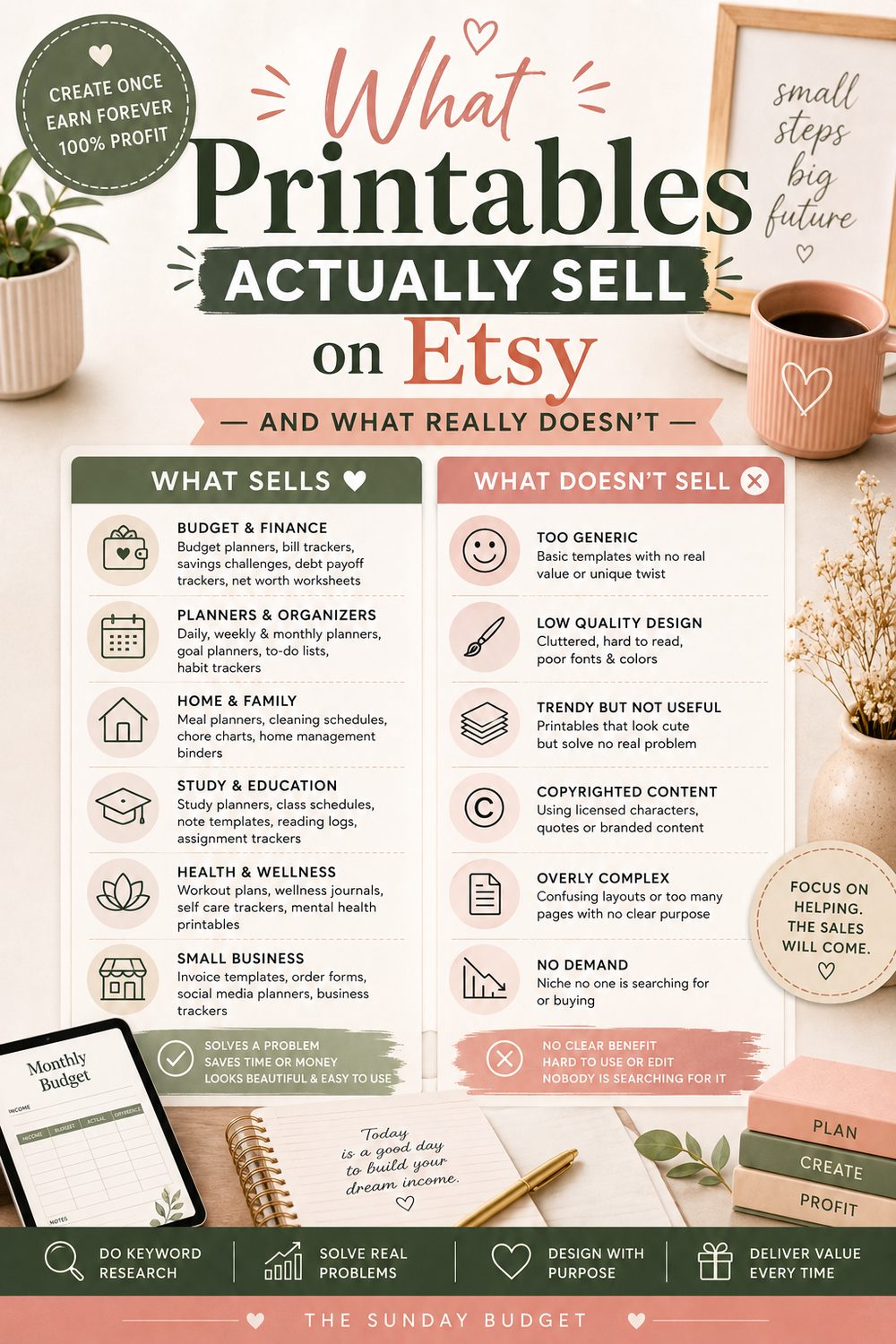
A niche is not a color palette. “Neutral planners” describes style. “Biweekly budget tools for nurses with variable shifts” describes a buyer, schedule and problem.
Useful niche ingredients:
- A person you understand: teachers, new homeowners, pet sitters, coaches, students, caregivers or contractors
- A recurring job: planning, tracking, teaching, preparing, documenting or deciding
- A moment of urgency: moving, starting school, paying off debt, planning an event or onboarding a client
- A format preference: printable page, fillable PDF, spreadsheet, editable invitation or checklist
Product ideas with a specific job
- Biweekly paycheck budget and bill calendar
- Apartment move-out photo checklist
- Substitute-teacher emergency binder pages
- Pet-sitter medication and feeding record
- Home-maintenance schedule by season
- Wedding vendor payment tracker
- Market-stall inventory and sales sheet
- Freelance client onboarding checklist
- Debt-payoff visual tracker
- Caregiver appointment and medication organizer
- Pantry inventory and meal-planning bundle
- Travel document and packing checklist for families
Avoid regulated or high-risk claims. A symptom tracker can help someone organize information for an appointment; it should not diagnose, recommend treatment or promise a health outcome. A budget worksheet can organize numbers; it should not promise debt freedom by a specific date unless the math and assumptions are visible.
Research demand without copying
Use Etsy as a research environment, not a design library.
1. Read search suggestions
Start with the job: “moving checklist,” “budget planner” or “teacher binder.” Add qualifiers slowly and record phrases that describe a real buyer or use case.
Search suggestions can reveal language people use, but they do not prove sales volume. Treat them as vocabulary clues.
2. Study the results page
Record:
- Repeated product formats
- Typical bundle size
- Common price ranges
- What first images make immediately clear
- Which questions descriptions answer
- Where products appear interchangeable
Do not screenshot a bestseller and rebuild it. Study the problem, then create your own structure, wording, illustrations and visual system.
3. Read three-star reviews
Five-star reviews often say “love it.” Three-star reviews explain what was missing:
- Instructions were unclear
- The text printed too small
- A4 was not included
- The file was difficult to edit
- The download contained too many confusing files
- The page used too much ink
Those complaints are a product-research list. Solve them without copying the original design.
4. Validate outside Etsy
Ask five people in the niche to complete the task with a rough version. Watch where they pause. If everyone needs an explanation, improve the product before polishing mockups.
A printable should remove work. If using it creates another project, it is decor.
Check policy and licensing before production
This step belongs before design because an attractive product can still be unsellable.
Etsy originality and AI rules
Etsy's current standards require digital downloads to be your original design. Seller-prompted AI creations are allowed when disclosed, but reselling someone else's PDF, assembling a bundle of other creators' work or selling standalone prompt bundles does not qualify.
If AI helps create artwork, text or layout:
- Disclose its use as Etsy requires
- Check the commercial terms of the specific AI tool
- Review every output for errors and copied-looking elements
- Avoid trademarks, celebrities and recognizable protected characters
- Add meaningful human design, editing and quality control
AI can accelerate a draft. It does not transfer someone else's rights to you or guarantee originality.
Canva and asset licenses
Canva can be a useful design tool, but a subscription does not mean every library asset can be repackaged however you want. Canva's current Content License Agreement distinguishes Free and Pro content, prohibits reselling content as standalone material and places additional restrictions on templates sold to third parties.
Before publishing:
- Check the source and license of every font, icon, photo and illustration
- Do not sell a lightly changed Canva template as your original product
- Do not extract and resell Canva elements
- Be especially careful with editable templates and Pro content
- Keep license receipts or source notes
- Use a separate commercial account if an education license is limited to noncommercial use
When uncertain, use assets you created yourself or obtain a license that clearly covers the exact commercial use. This article is practical guidance, not legal advice; licensing terms can change, so review them at the time you publish.
Trademarks and copyrighted themes
Do not use movie characters, sports logos, song lyrics, celebrity photos, brand names or “inspired by” copies merely because similar listings exist. Another seller avoiding enforcement is not permission.
Original wedding games can sell. A game built around a protected franchise can create takedowns and account risk.
Build the smallest useful product
Do not start with a ninety-page “ultimate life planner.” Build one complete result.
Use this product brief:
| Question | Example answer |
|---|---|
| Buyer | Person paid every two weeks |
| Problem | Monthly bills do not line up with paychecks |
| Result | Assign each bill to a paycheck |
| Format | Printable and fillable PDF |
| Core pages | Paycheck plan, bill list, monthly overview |
| Sizes | US Letter and A4 |
| Boundary | Educational organizer, not financial advice |
A quality checklist
Before listing, verify:
- The product works without a video call
- Instructions are included
- Every field has enough writing space
- Font size remains readable when printed
- Contrast works in grayscale
- Colors do not consume excessive ink
- Margins survive ordinary home printers
- Formulas and links work
- Pages appear in a logical order
- File names explain what each file contains
- US Letter and A4 versions are separate and labeled
- Editable fields behave as promised
- No sample personal data remains
Print the product on an ordinary printer. Test it on a phone and computer. Ask someone else to download the final package and follow the included instructions.
The file the customer receives matters more than the Canva screen you designed it on.
Understand Etsy's digital-file limits
Etsy's digital listing guide currently allows up to five files per digital listing, with a maximum of 20 MB per file. Etsy supports formats including PDF, JPG, PNG and ZIP.
Important details:
- Buyers see the uploaded file names, so name them clearly before uploading
- Instant-download listings cannot be published without an attached file
- Digital listings do not support ordinary variations
- Made-to-order digital products use a different completion workflow
- Replacing a file updates the listing for future access; test changes carefully
For a simple bundle, one clean ZIP may be easier than five mysterious files. Include a one-page “Start Here” PDF that explains sizes, software requirements, printing and where to get help.
Do not force buyers through an external link merely to avoid organizing the files unless the product genuinely requires that workflow. External storage permissions and deleted links become support problems you own.
Create listing images that answer questions
The first image earns the click. The remaining images reduce uncertainty.
Etsy's current listing guide allows up to 20 photos and two short videos, and recommends listing images at least 2,000 pixels wide.
You do not need all 20. Build a useful sequence:
- Hero mockup: product, outcome and major format visible immediately
- What's included: every page or file shown clearly
- Close-up: demonstrate writing space, detail or editable fields
- Size guide: US Letter, A4 and dimensions
- How it works: purchase, download, print or edit
- Use example: realistic sample data clearly labeled as an example
- Important notice: digital product, no physical item ships
- Terms: personal or commercial-use boundary
Mockups must represent the actual product. Do not make pages look editable if they are not, hide a tiny page count behind a thick binder or imply physical delivery.
Write the listing for a human and search
Etsy lets sellers add up to 13 tags and recommends phrases buyers might use. Use all relevant fields, but do not turn the title into unreadable repetition.
Title
Lead with the clearest buyer phrase, then add meaningful qualifiers:
Biweekly Budget Planner Printable, Paycheck Bill Tracker, US Letter and A4 PDF
Do not promise “best,” “guaranteed” or outcomes the file cannot produce.
Description
Put the most important facts first:
- What the product helps with
- Exactly what files and pages are included
- File types and paper sizes
- Whether it is editable or printable only
- Software or account requirements
- How instant download works
- Printing guidance
- License and usage terms
- Refund or support information consistent with Etsy policy
- Clear digital-product notice
Tags and attributes
Use phrases that cover:
- Product type
- Buyer
- Problem or occasion
- Format
- Style only when style is a real buying factor
Do not repeat the identical phrase thirteen times. “Paycheck budget,” “biweekly bill tracker” and “printable finance planner” reach related intent more clearly than keyword soup.
Price for profit, not comparison
Start with the minimum price that can support your fees, support time, product quality and tax obligations.
Etsy's official fee guide currently lists:
- A possible one-time shop setup fee that varies by location
- A $0.20 listing fee; listings generally expire after four months
- A $0.20 auto-renew-sold fee for additional quantity sold
- A 6.5% transaction fee on the order amount
- Payment processing fees that vary by the seller's bank country
- Possible currency-conversion, deposit or regulatory fees
- Offsite Ads fees when a sale is attributed to those ads
Do not summarize that as “Etsy takes about 9.5%.” Your actual percentage depends on price, country, order, advertising and other factors.
Use this calculation for each product:
Sale price − listing/renewal fee − transaction fee − processing fee − ad fee − taxes/refunds allowance − allocated software cost = contribution before labor
Then divide your creation and support time across expected sales. A $4 product may be appropriate as an entry item, but fixed fees take a larger percentage of low prices.
A simple product ladder
| Level | Product role | Example test price |
|---|---|---|
| Entry | One focused page or mini tool | $3–6 |
| Core | Complete small system | $7–14 |
| Bundle | Related tools for one outcome | $15–29 |
| Personalized | Custom names, dates or content | Base price plus customization |
These are testing ranges, not market guarantees. Search comparable products, calculate your own costs and adjust based on conversion and support.
Do not use permanent discounts to make an invented list price look valuable. Buyers learn to wait, and your normal price stops meaning anything.
Build a focused catalog
Five related products can create a useful shop. Fifty unrelated products create a digital flea market.
Start with a product family:
- Biweekly paycheck planner
- Monthly bill calendar
- Sinking-fund tracker
- Debt-payoff tracker
- Complete paycheck-budget bundle
Each product can stand alone; the bundle serves the buyer who wants the full system. Reuse your visual system and instructions, not duplicate products with tiny color changes merely to inflate listing count.
A catalog should make the next useful purchase obvious.
A practical 30-day launch plan
Days 1–5: research
- Choose one buyer and one recurring problem
- Record twenty buyer phrases and questions
- Review competing formats, prices and complaints
- Interview or observe five target users
- Write the one-sentence product result
Days 6–12: build and test
- Create the minimum useful pages
- Make US Letter and A4 versions if relevant
- Add instructions and usage terms
- Print in color and grayscale
- Test on phone and computer
- Give the final files to one new tester
Days 13–18: package
- Name every file clearly
- Compress without damaging quality
- Create the Start Here page
- Build the listing-image sequence
- Write title, description, tags and FAQ
- Calculate price using your actual fee structure
Days 19–23: open and verify
- Complete seller setup and identity requirements
- Publish the first listing
- Buy or test the workflow as far as your setup permits
- Confirm files download and open
- Check the listing on mobile
- Create saved support replies for common questions
Days 24–30: build the product family
- Publish two to four related listings
- Create one bundle
- Share useful previews where your target buyer already spends time
- Record views, visits, favorites, sales, fees and support
- Improve the weakest part of the funnel
Do not buy ads to rescue a listing that does not earn clicks or convert organically. Ads send more people to the same problem.
Diagnose performance without guessing
Use this sequence:
| Signal | Likely issue | First test |
|---|---|---|
| Very few impressions | Demand, keywords or category | Improve phrase relevance and attributes |
| Impressions but few visits | First image or title | Make the result and format obvious |
| Visits but few sales | Product, trust, price or unclear details | Strengthen previews and description |
| Sales but many questions | Instructions or file packaging | Improve Start Here guide |
| Sales but poor profit | Price, ads, fixed fees or support time | Recalculate contribution per order |
| One listing sells | Product-market clue | Build adjacent products for that buyer |
Change one major element at a time and give it enough data. If you replace the title, thumbnail, price and description together, you will not know what helped.
Customer support is part of the product
Digital delivery is automatic; understanding is not.
Common support requests include:
- “Where is my download?”
- “Can I download through the Etsy app?”
- “Which file should I print?”
- “Why is the edge cut off?”
- “How do I edit this?”
- “I expected a physical item.”
Etsy's buyer guide says digital purchases are downloaded through the Purchases area and currently cannot be downloaded through the Etsy app. Include browser-download instructions in the listing and buyer note.
Create short saved replies, but read the message before sending one. If several buyers ask the same question, fix the listing or product instead of becoming faster at explaining the flaw.
Digital listings are generally shown as not returnable or cancelable, but products that are missing or not as described may still fall under Etsy Purchase Protection. Accurate previews and descriptions protect both buyer and seller.
Keep business records from the first sale
Track:
- Gross sales
- Discounts
- Refunds
- Listing and renewal fees
- Transaction and processing fees
- Advertising fees
- Software and asset costs
- Contractor costs
- Net deposits
- Hours spent creating and supporting each product
Download marketplace statements regularly and reconcile them with deposits. Gross sales are not take-home income.
Tax obligations depend on jurisdiction, business structure and total activity. Do not copy a universal “set aside 25%” rule from a blog. Keep clean records and use guidance from your tax authority or a qualified professional. The side-hustle budget guide can help separate operating money, taxes and owner pay without pretending one percentage fits everyone.
Mistakes that sink good products
- Designing before researching. A beautiful solution to a weak problem remains weak.
- Serving unrelated audiences. Niche depth improves product decisions and cross-selling.
- Copying bestsellers. It creates policy, intellectual-property and reputation risk.
- Using licensed assets carelessly. Tool access is not ownership.
- Uploading untested files. The exported PDF is the product, not the design canvas.
- Hiding key details. Buyers should know format, size, editing and delivery before purchase.
- Pricing from competitors only. Their costs, audience and ad exposure are not yours.
- Ignoring support time. A low-priced product can become an expensive service.
- Buying ads too early. Traffic does not repair a confusing listing.
- Quitting or scaling before learning. Ten thoughtful listings teach more than fifty rushed ones.
Frequently asked questions
Do I need professional design skills? You need information-design skills: hierarchy, spacing, readable type, clear instructions and a useful structure. A plain checklist that works can outperform elaborate art that confuses the buyer.
Can I start with Canva Free? Yes, but check every asset's license and understand the difference between selling a flattened design and distributing an editable template. Free access does not remove licensing obligations.
Can I use AI to make Etsy printables? Etsy currently permits seller-prompted AI creations when the seller discloses AI use. You still need original direction, commercial rights, quality control and compliance with intellectual-property rules. Standalone AI prompt bundles are not allowed under Etsy's current standards.
How many products should I launch with? One thoroughly tested product is enough to learn the listing workflow. Build toward five related listings and one bundle during the first month rather than delaying launch for a giant catalog.
Should I sell printable PDFs or editable templates? Start with the format the buyer actually needs. PDFs are simpler to deliver and support. Editable templates may command more but create licensing, access and instruction complexity.
Can I sell spreadsheets too? Yes, if they are your original design and the files fit Etsy's supported workflow. Spreadsheets can offer more functional value and support a higher price, but formulas, permissions and instructions require deeper testing. The spreadsheet side-hustle guide covers that lane.
How long should I test the shop? Use a six-month learning window only if you are publishing, measuring and improving. Six months of unchanged listings is waiting, not testing. Review the funnel every month and stop adding products when the data says the audience or problem is wrong.
Start with one useful receipt
This weekend, choose one buyer, find one repeated task and build the smallest file that makes it easier. Print it. Ask someone unfamiliar with it to use it. Package it clearly and calculate the price with the fees that apply to your country.
Then publish.
The first sale is not passive income. It is a receipt proving that one person understood the offer and valued the result. Build the next product from what that buyer needed—not from whatever template is trending on your design screen.

Written by
I fixed my own money with a spreadsheet and a Sunday morning, and now I build the tools I wish I’d had. I manage a dental practice in Greensboro, North Carolina, and I have never once told anyone their problem was the coffee.