Zero-Based Budgeting: How It Works (Beginner's Guide)
By Nora Bennett · July 9, 2026

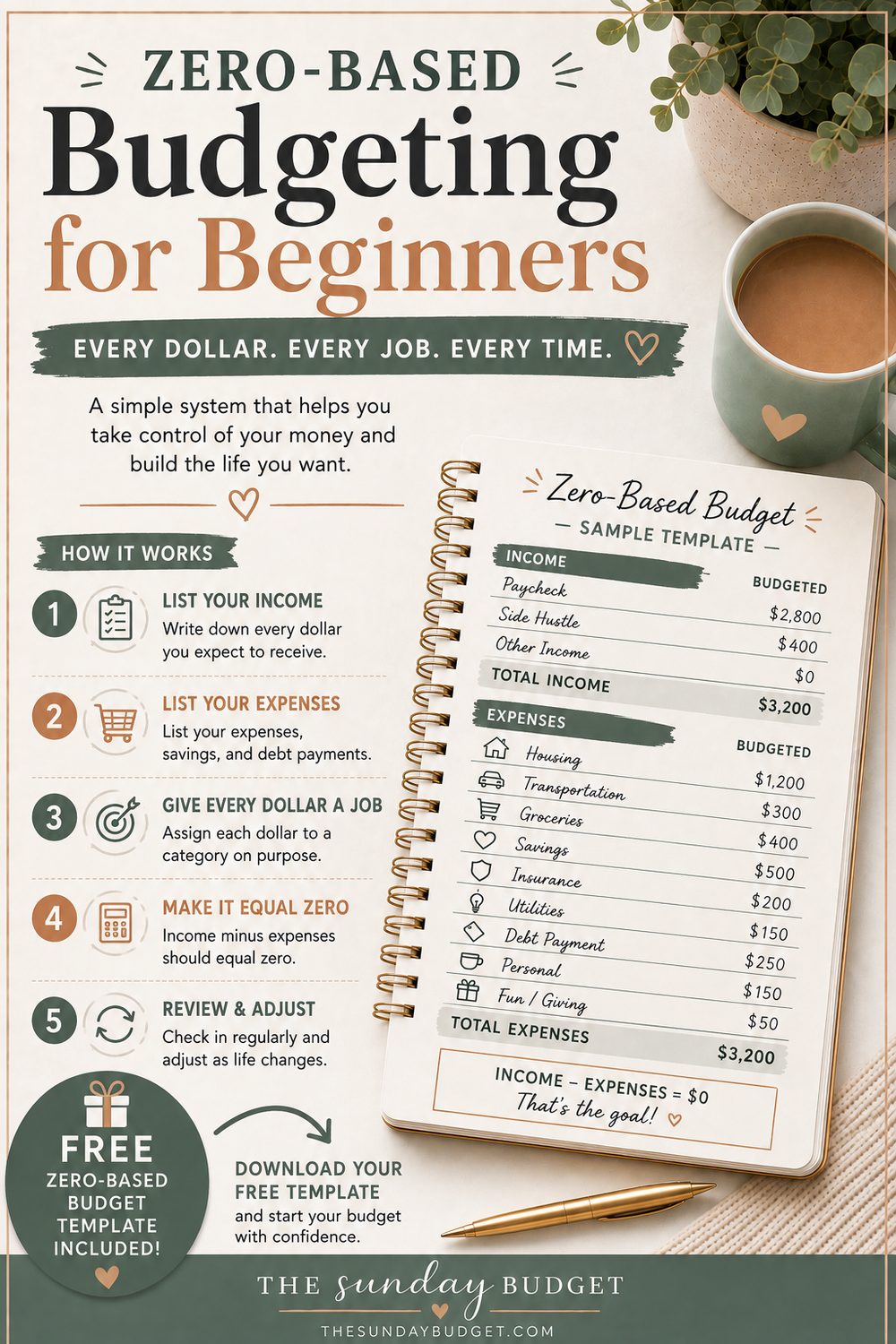
Zero-based budgeting for beginners comes down to one sentence: give every dollar a job before the month starts, until your income minus your assignments equals exactly zero. No mystery money, no "whatever's left," no dollars wandering around unsupervised. It's the most precise budgeting method there is, and once the habit clicks, it's the one that finally answers the ancient question "where does it all go?" with an actual list.
Here's how it works, a full worked example that lands on zero, and an honest take on who should use it (and who should start somewhere gentler).
What zero-based budgeting actually means
Before the month begins, you take your expected income and assign all of it, to bills, to groceries, to savings, to fun, to debt: until the math reads:
Income − every assignment = $0
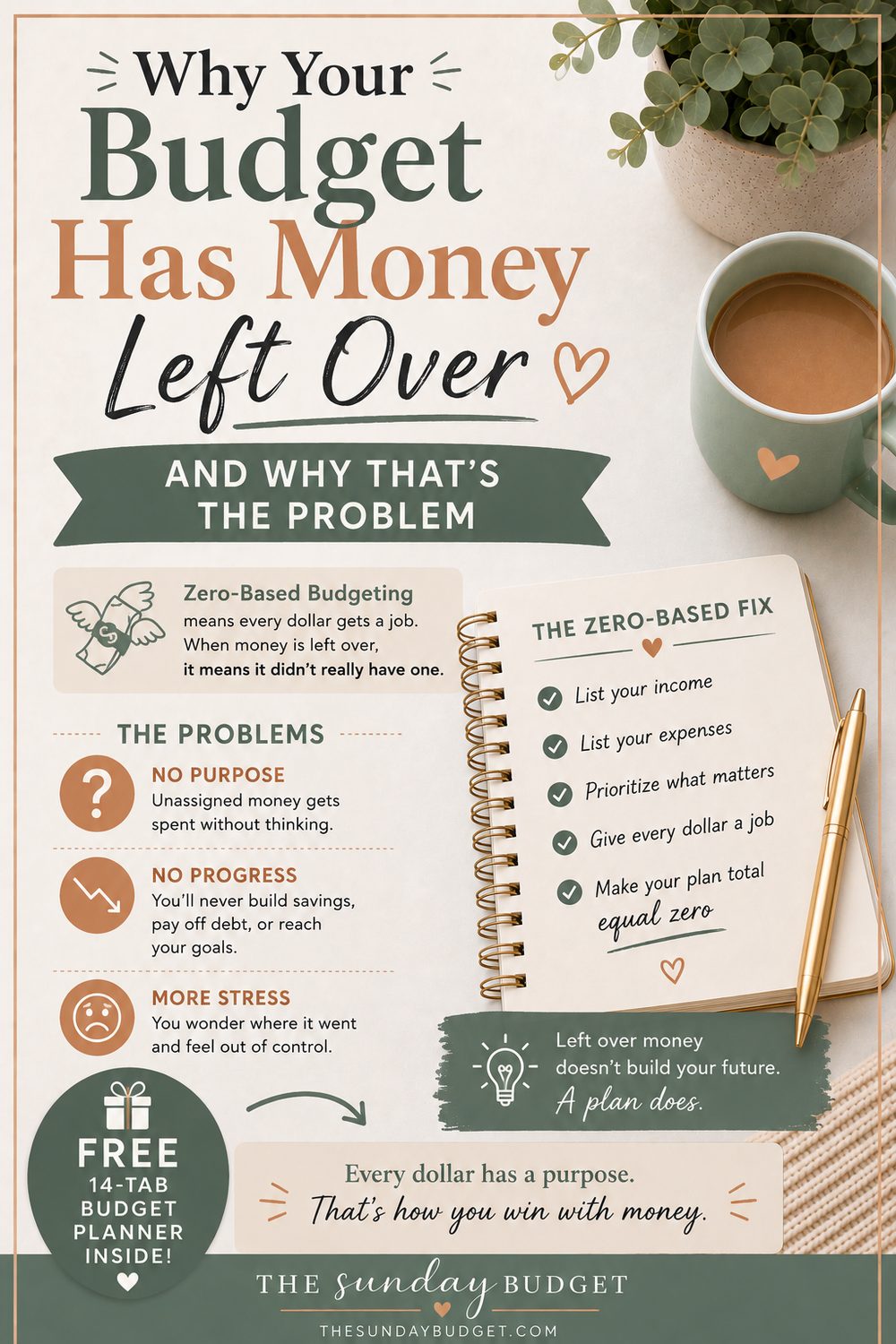
The zero is the whole philosophy. In a normal budget, you plan the big categories and let the remainder float; the float is where overspending lives, because unassigned money always finds a job on its own (usually a dumb one). Zero-based budgeting removes the float. Every dollar has a name before it has a chance to wander.
The most important clarification: zero-based does not mean your bank account hits zero. Savings is a job. Your emergency fund is a job. A "life happens" buffer is a job. The zero lives in your plan, not your balance. You're not spending everything; you're deciding everything.
How it works, step by step
- Start with real take-home income. What actually lands in your account this month, not your salary on paper. (Irregular income? See the FAQ; there's a clean fix.)
- List your categories. Fixed bills first, then savings and debt goals, then flexible spending. Your last two bank statements are the honest source: the beginner budgeting guide walks through this excavation.
- Assign downhill until you hit zero. Bills → savings → flexible. If you run out of dollars before you run out of categories, trim the flexible ones, not the savings.
- Spend from the categories, not the account. During the month, the question changes from "do I have money?" (the balance always says yes until it suddenly says no) to "does this category have money?": a question with a useful answer.
- Move money when life happens. Groceries ran hot? Take $30 from eating-out and move on. Mid-month reassignment isn't cheating, it's the feature. The budget stays at zero; the jobs just change hands.
A full worked example that lands on $0
Same $3,400 take-home as every example on this site, assigned to the last dollar:
| Category | Assigned |
|---|---|
| Rent | $1,250 |
| Utilities | $170 |
| Internet & phone | $95 |
| Groceries | $380 |
| Transportation | $120 |
| Car payment | $300 |
| Insurance | $120 |
| Medical | $50 |
| Debt minimum payments | $160 |
| Eating out & takeout | $120 |
| Streaming & subscriptions | $35 |
| Hobbies | $40 |
| Shopping | $60 |
| Travel fund | $40 |
| Fun money (guilt-free) | $70 |
| Emergency fund | $150 |
| Retirement | $100 |
| Extra debt payments | $30 |
| Sinking funds | $80 |
| Savings goals | $30 |
| Total assigned | $3,400 |
| Left to budget | $0 ✓ |
Notice what the zero forced: savings got assigned on purpose ($390 across four jobs), fun money exists on purpose ($70, guilt-free), and there is no vague "everything else" bucket for the month to disappear into. Every future argument with yourself about money has been settled in advance, on a quiet Sunday, by past-you.
(If that table looks familiar: it's literally the default plan inside the free planner, the demo numbers ship as a zero-based budget on purpose.)
Zero-based vs 50/30/20: gateway and graduate course
The 50/30/20 rule gives you three buckets and guardrails: fast, forgiving, ideal for month one. Zero-based gives you a job for every dollar, precise, powerful, and more work. My standing advice:
- Start with 50/30/20 if this is your first budget. Strictness on day one is how January budgets die.
- Graduate to zero-based when you catch yourself wondering exactly where the "wants" bucket went: that curiosity is the readiness signal.
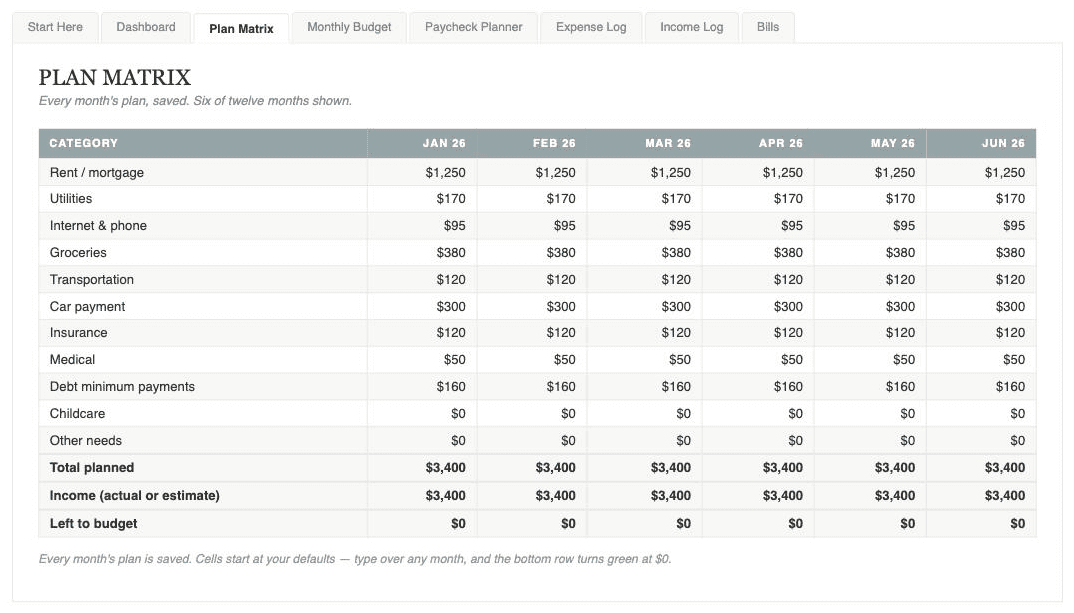
- Or blend them: keep the three buckets as your outer guardrails and run zero-based assignments inside them. This is exactly how the planner's Plan Matrix is built, 50/30/20 targets on top, per-category jobs underneath.
The honest pros and cons
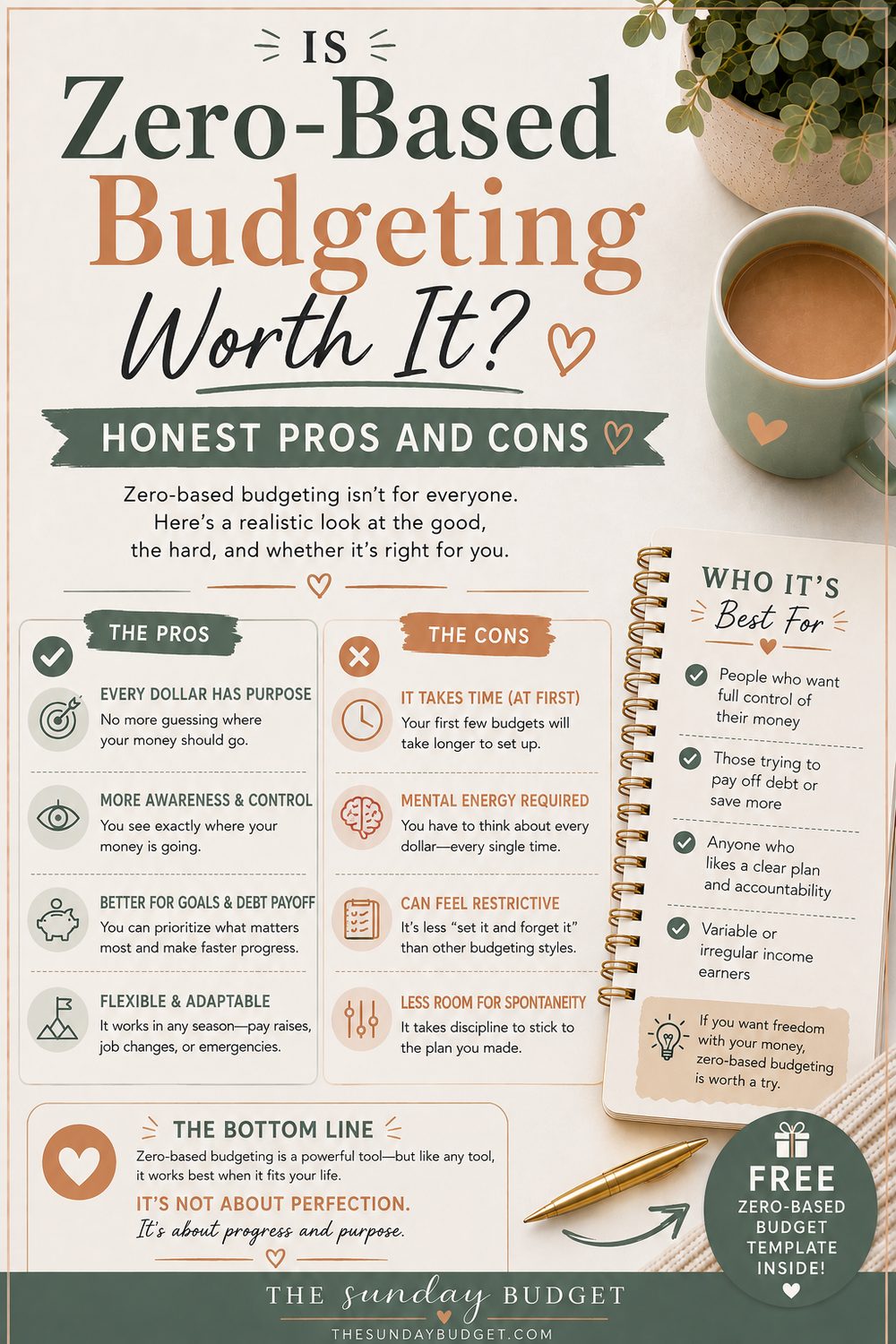
Why people swear by it: total visibility (no mystery spending, ever), it surfaces priorities you didn't know you had, savings stops being leftovers, and overspending gets caught mid-month instead of at the autopsy.
Why people quit it: it takes 30–45 minutes at the start of each month (10 by month three), it punishes perfectionism (a forgotten category feels like failure when it's really a Tuesday), and without a buffer it can feel white-knuckle tight.
The fixes for the cons are the same three habits every method needs: a small buffer category for what no plan saw coming, mid-month reassignment without guilt, and a ten-minute Sunday reset so drift gets caught while it's small.
Where the planner does the heavy lifting
The free Sunday Budget planner is quietly a zero-based machine: the Plan Matrix holds every category's assignment for every month, and the "Left to budget" cell watches your math, red while dollars are unassigned, green the moment you hit $0. Chasing that green cell is the entire method, gamified. The Expense Log then tracks each category's spending against its job, and the Dashboard shows the drift before it becomes a story.
Frequently asked questions
What if I have money left over at the end of the month? Congratulations. That's a surplus, and it needs a job like everything else. Roll it into next month's buffer, a sinking fund, or your debt payoff. Leftover money without a job is how lifestyle creep starts its career.
How does zero-based budgeting work with irregular income? Two reliable options: budget last month's income (you're always assigning money you already have, the gold standard), or budget from a conservative baseline (your lowest recent month) and treat anything above it as a bonus to assign when it arrives. Never budget from your hopeful month.
Do I really assign every dollar? Even five? Yes, but "buffer" is a legitimate job, and so is "fun." Assigning a dollar to slack on purpose is completely different from leaving it unassigned. Decided slack is a shock absorber; undecided money is a leak.
How long does this take every month? The first month: 30–45 minutes, because you're discovering your categories. By month three: about ten minutes, because the Plan Matrix remembers last month and you're only adjusting what changed. The weekly check-in stays at ten minutes throughout.
Start at zero this Sunday
Take your real income, list your categories, and assign downhill until the math says $0: the free planner will hold the numbers and turn the cell green when you've done it. The first pass is the hardest one you'll ever do; every month after that, you're just editing a plan that already knows you.

Written by
I fixed my own money with a spreadsheet and a Sunday morning, and now I build the tools I wish I’d had. I manage a dental practice in Greensboro, North Carolina, and I have never once told anyone their problem was the coffee.


